
Trip
-
Posts
502 -
Joined
-
Last visited
Content Type
Profiles
Forums
Blogs
Events
Everything posted by Trip
-
-
Reminds me of the one about dogs, i.e., lock your woman and hound in the car trunk, wait an hour, open it and see which one is just happy to see you.
-
Baldy does look suspicious. He might pay taxes.
-
Perhaps one of the greatest perversions of the woke Rock and Roll Hall of Fame is how it includes an act like Dolly Parton (and I am a Dolly fan) and excludes an act like Humble Pie
-
Takes me back to when one of the greatest bands no one talks about now had both Steve Marriott and Frampton in it ...
-
They are hard to find and consequently attract a premium, sort of perverse. I still have one in an old Chevy but it tends to eat the tapes and the tapes of course are almost as hard to find now.
-
I buy them frequently at Walmart.com $5/ea on the Clearance tab. Useful for vehicles that still have a CD player and you can't be bothered with streaming, thumb drives, phones, etc. Sometimes it's fun to go old school, but I draw the line at 8-tracks.
-
-
-
-
Off to rendezvous with BlueSky.
-
packing it in one might say. Looks good.
-
-
Yeah, it's easy. I'll never understand why some don't do it but seems to be the sort that also risk overstay for some reason when extending a visa is pretty easy too.
-
Reminder to Gringos; today 15 April is Tax day and the day you should be either filing a Fincen/FBAR about your Thai bank accounts or request an extension. The FBAR is separate from the IRS FACTA Form 8938 if you are minted and have a lot of foreign income/accounts/assets so the former is online and goes to the Treasury and the later (if you are minted and it's a required form for you) goes with your 1040 submittal to the IRS. Buddha, it's great to be a yank.
-
Shitheads; can't live with them, can't kill them. Wait a minute.
-
-
-
-
I'm still pissed that Sizzler cut out the bleu cheese salad dressing after china plague.
-
Maybe you're just a gaboresque value-consumer.
-
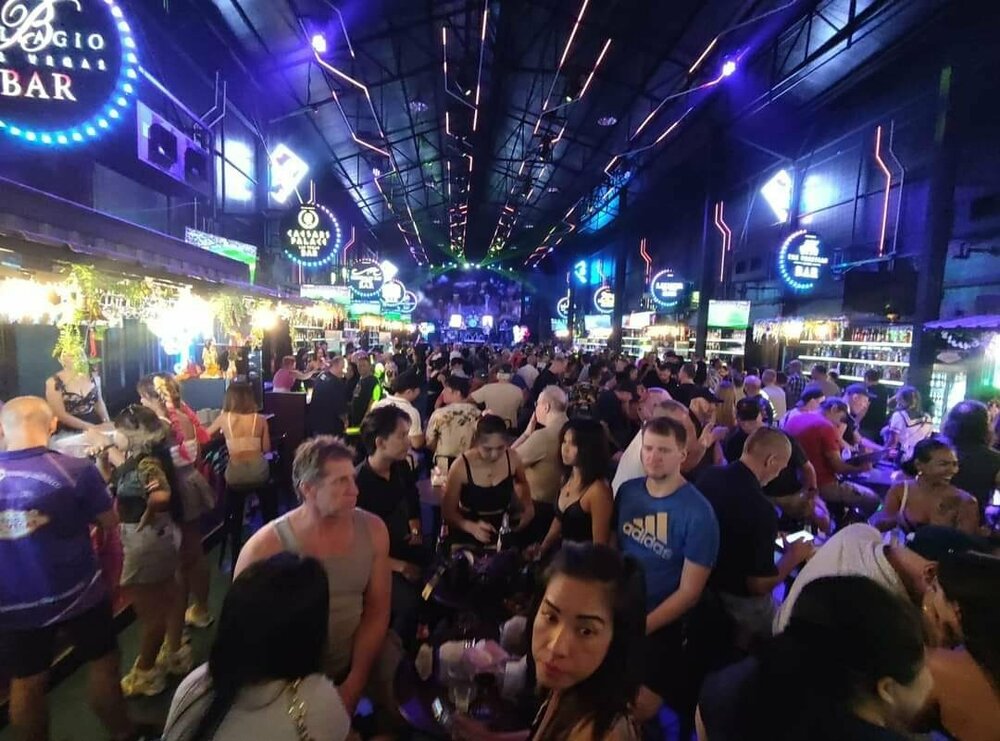
Pattaya Go-go bars, beer bars & restaurants (News closures and Updates)
Trip replied to john luke's topic in General topics
-
-
Trip Report Cambodia and Vietnam Photos from my trip and thoughts
Trip replied to Yesitisdakid's topic in Cambodia
Yeah, and you'll probably recall it wasn't too much earlier that the fare in Thailand was 500 Baht, the purple persuader. In PP where US dollars are more welcome than Cambodia script in the tourist areas they used to call the fare the Jackson. -
I agree and the insanity of it includes they pay, and often a lot to be put in considerable pain for the experience. I have a friend that had inevitable regrets about a 'sleeve' he put one arm through a couple of decades ago. Took him over a year to get it all inked, something like $5000 in cost. Fast forward 10 years and he's now paying more than $20,000 to get it all laser-etched/burned off and even then you can still see some of it.